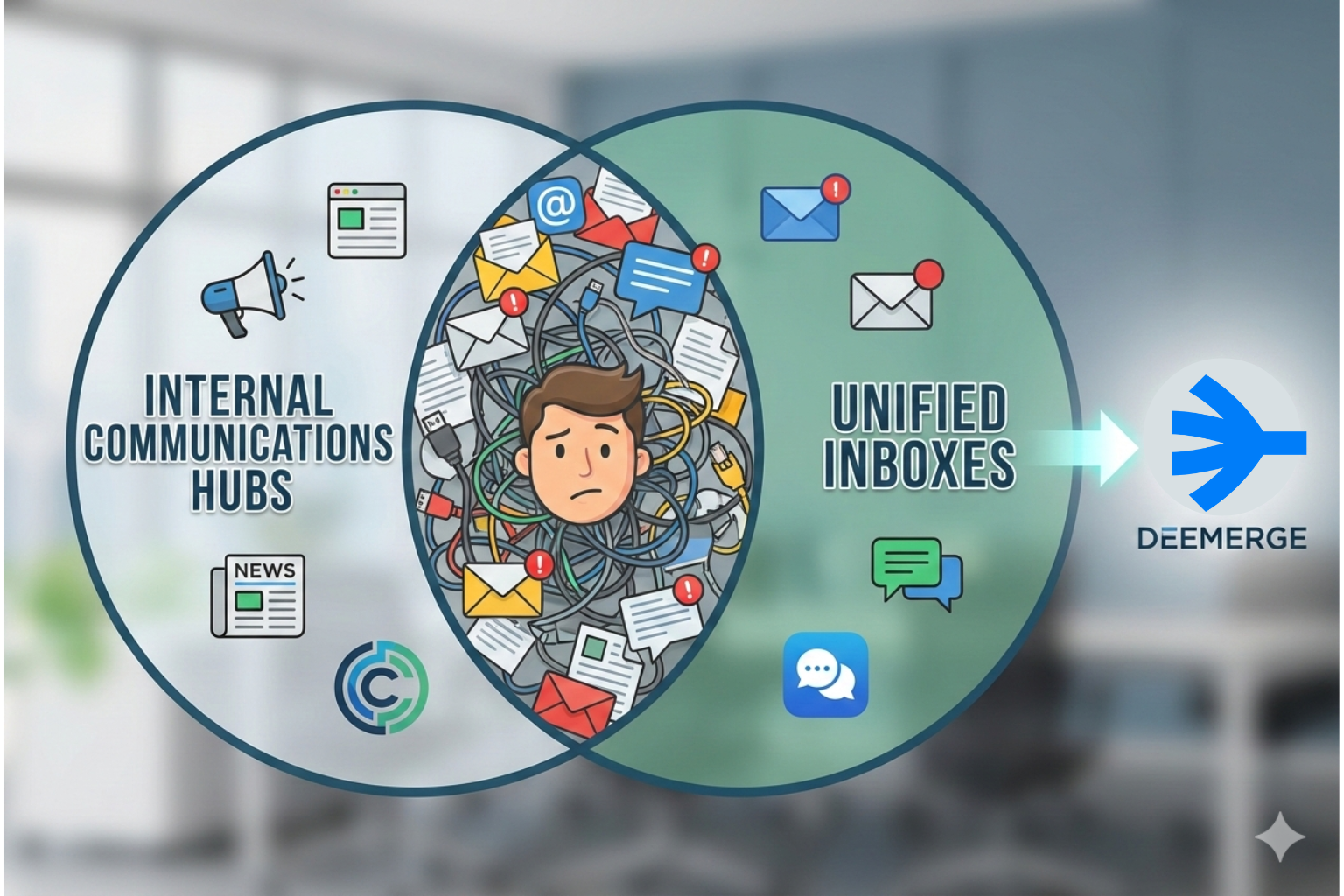
Internal Communications Hubs vs. Unified Inboxes: Which Is Better for Team Productivity?
Internal hubs and unified inboxes both promise clarity - but teams stay fragmented. Learn which approach actually boosts productivity.

You open your laptop at 8:00 AM, ready to conquer the day. Within ten minutes, you are drowning in notifications. The "town square" announcement in your hub says the holiday party is set.
Meanwhile, your email inbox is screaming with three urgent client requests. Your team’s Slack channel is a blur of memes and project updates. You feel that familiar, sharp tighten in your chest.
We’ve all been there, and frankly, it’s exhausting. You likely invested in internal communications hub tools to solve this. You wanted a place where "culture" and "knowledge" could live together.
Then, you added a unified inbox to manage the external chaos. Now, you’ve accidentally created two separate "single sources of truth." And as we both know, two sources of truth mean you have no truth at all.
Your work is split between the "internal" world and the "external" world. The context for your decisions is buried under a mountain of digital noise. Why does it feel like your tools are working against you?
Is it possible that the distinction between internal and external talk is a myth. Let’s dismantle the trap of the fragmented workspace. We will find the one tool that respects the context of your entire conversation.
The Identity Crisis of Internal Communications Hub Tools
Let’s start by looking at internal communications hub tools through a critical lens. Organizations build these platforms to be the "digital headquarters." They are designed to foster engagement, distribute news, and store static files.
They are excellent at answering "Who are we?" and "What are our benefits?" But they are notoriously bad at answering "What do I need to do right now?" This is where the productivity friction begins to grind your gears.
The Promises and Pitfalls of the Modern Hub
• The Promise: A central place for every employee to stay informed.
• The Pitfall: It becomes just another tab to check and ignore.
• The Promise: Better alignment through top-down messaging.
• The Pitfall: Important updates get buried in "social" noise.
• The Promise: A searchable library of company knowledge.
• The Pitfall: Information goes there to die and become outdated.
Does your hub feel like a vibrant community or a digital ghost town? If your team only visits it to check their remaining vacation days, it's not a hub. It’s a filing cabinet with a high price tag.
When communication is separated from action, engagement naturally drops. Your team wants to solve problems, not just read about them. So, they leave the hub and head to where the actual fires are burning: the inbox.
Enter the Unified Inbox: The True Engine of Work
A unified inbox is the antithesis of the isolated communication hub. It doesn't care if a message comes from a teammate or a high-paying client. It treats every interaction as a thread in a single, continuous story.
Imagine your email, SMS, and live chat all flowing into one stream. Now, imagine that your internal team chat lives directly on those threads. You don't have to jump to a hub to ask a colleague for a file.
You @mention them right next to the client's request. They see the context, attach the file, and you send it within seconds. You have effectively merged "internal talk" with "external action."
This is why high-performance teams are moving away from traditional hubs. They want a workspace that respects the flow of their actual day. To see this in action, check out The 7 Best Unified Inbox Apps in 2025.
Why Context is the Ultimate Productivity Currency
• Complete Visibility: See the history of every relationship in one view.
• Shared Accountability: Assign threads so everyone knows who is "on it."
• Internal Side-Chats: Collaborate privately without the client seeing.
• Rapid Onboarding: New hires can read historical threads to get up to speed.
Can your internal hub tell you why a specific client is unhappy? Can it show you the last three interactions your support team had with them? No, it cannot. And that is why your team feels so fragmented.
A unified inbox provides the "Why" and the "How" at the same time. It allows you to move at the speed of the conversation. It turns your communication platform into a legitimate production tool.
The "Two Truths" Trap: A Recipe for Burnout
When you have a hub for internal news and an inbox for work, you create a split. This split forces your brain to constantly "switch gears." Psychologists call this "Context Switching," and it is a silent productivity killer.
Every time you leave your work to check a hub notification, you pay a tax. It takes an average of 23 minutes to return to a state of deep focus. Multiply that by 15 notifications a day, and your "workday" is gone.
The Symptoms of a Split Source of Truth
1. Information Silos: Different departments use different tools.
2. Duplicate Effort: You find yourself copy-pasting info between apps.
3. Decision Paralysis: You don't know where to look first in a crisis.
4. Misalignment: The "internal" strategy doesn't match the "external" reality.
Does this cycle sound familiar to your current weekly routine? How much more could you achieve if you stopped playing "Digital Detective"? The goal isn't to have more places to talk; it's to have better conversations.
We need to stop treating our employees like they have two different brains. They have one brain, and it needs a single, cohesive workspace to function. Let's look at how we can finally bridge this artificial gap.
Beyond Internal and External: The Contextual Revolution
The traditional distinction between internal and external communication is dead. In a fast-moving market, every internal chat should serve an external goal. Even "cultural" updates serve to make the team better at serving customers.
When we use internal communications hub tools, we build a wall. We say, "This is where we talk to each other," and "That is where we work." But your team doesn't want to live on both sides of a wall.
They want to stay in the flow of the work that actually matters. A contextual hub built within a unified inbox - removes that wall entirely. It allows internal updates to live alongside the work they influence.
What Does a Contextual Hub Look Like?
• Announcements in the Stream: Company news appears in the main feed.
• Resource Sidebars: SOPs and handbooks are accessible during chats.
• Team Wikis: Knowledge bases that link directly to specific emails.
• Unified Search: One search bar that looks through all chat and mail.
Why would you search two different platforms for one piece of data? Why would you force a new hire to learn two different navigation systems? The contextual revolution is about simplifying the human experience of work.
The Psychological Toll of Too Many Tools
We need to talk about the human cost of your current tech stack. Every app you force your team to use is a potential source of anxiety. "Did I miss a message in the hub?" "Is the boss watching the Slack status?"
This "status anxiety" prevents people from actually doing their jobs. They spend their day managing their presence across multiple platforms. They become "performatively productive" rather than actually effective.
A unified inbox acts as a digital sanctuary for your team. It reduces the "Where do I look?" stress by 90% or more. It gives your employees the permission to focus on one screen.
How Focus Directly Impacts Your Bottom Line
1. Faster Response Times: No more hunting for data across apps.
2. Higher Quality Work: Deep focus leads to fewer mistakes.
3. Reduced Turnover: Happy, focused employees stay longer.
4. Better Client Satisfaction: Your team feels more "on top of it."
Do you want a team that is constantly "checking in" or "checking out"? By consolidating your internal communications hub tools, you simplify life. You give your people back their most valuable asset: their attention.
Case Study: The Marketing Agency Trap
Consider a typical mid-sized marketing agency. They have an internal hub where the CEO posts weekly video updates. They use Slack for internal "quick chats" about design files.
They use a shared inbox for client approvals and feedback. One morning, a client sends an urgent change to a campaign. The account manager sees the email but needs the designer's input.
The account manager copies the email text and pastes it into Slack. The designer asks for the original file, which is stored in the internal hub. The manager goes to the hub, finds the file, and shares the link in Slack.
By the time the designer sees it, forty minutes have passed. The designer makes the change and pings the manager back on Slack. The manager then goes back to the email inbox to reply to the client.
The Problem With This Workflow
• Three Different Apps: Inbox, Slack, and the Hub.
• Wasted Time: Constant switching and copying/pasting.
• Lost Context: The "Why" of the change is split across three places.
• Increased Risk: The wrong version of the file could easily be grabbed.
Now, imagine this same scenario in a unified inbox. The client's email arrives in the shared workspace. The manager @mentions the designer on the email thread itself.
The designer sees the original request and the internal wiki link in the sidebar. They make the change, update the manager in the internal comment section. The manager hits "reply" and the client is happy within ten minutes.
Which agency would you rather hire? Which agency would you rather work for? The difference isn't the talent of the team; it's the efficiency of the tool.
Strategies for Consolidating Your Communication
If you are ready to leave the "Two Sources of Truth" trap, where do you start? You don't have to delete all your internal communications hub tools overnight. But you do need a strategic plan to move toward unity.
First, identify the "Heart of the Work." For 99% of businesses, this is the communication channel with the customer. This channel should be your "Primary Workspace."
Next, begin moving your "High-Frequency" internal talk to this workspace. Stop using separate apps for project-related internal chats.
Step-by-Step Transition Guide
1. The Audit: List every communication tool you currently pay for.
2. The Core: Choose a Unified Inbox as your central "Action Hub."
3. The Migration: Move your most used SOPs into the inbox sidebar.
4. The Shutdown: Slowly disable features in your internal hub that cause friction.
5. The Training: Teach your team that "If it's not in the inbox, it didn't happen."
You will likely face some resistance at first. "But I like the social feed in the hub!" someone might say. Remind them that the social feed isn't helping them get home on time.
Productivity is about removing obstacles, not adding features. Once they see how much faster they can work, they will never look back. They will realize that "less is more" when it comes to software.
The Future of Work: One Screen, Total Clarity
We are entering an era where AI will handle much of our manual data entry. But AI needs context to be effective. If your context is split between a hub and an inbox, the AI will fail you.
A unified inbox provides a "clean" dataset for your team and your tech. It creates a chronological, multi-channel record of your entire business. This is the ultimate foundation for scaling your organization in 2026.
Don't let your legacy internal communications hub tools hold you back. They served a purpose in the early days of remote work. But today, we need more than just "connection"; we need "cohesion."
We need a tool that respects the complexity of the modern workday. We need a tool that puts the person - not the platform, at the center. That tool is the unified inbox.
Your Productivity Checklist
• Consolidate: Reduce your communication tabs to one or two.
• Integrate: Ensure your knowledge base talks to your inbox.
• Simplify: Eliminate "meta-work" like status updates.
• Focus: Prioritize deep work over "checking in."
Conclusion: Choosing the Right Path for Your Team
In the battle of internal communications hub tools vs. unified inboxes, there is no contest. The hub is a luxury for the quiet moments of the week. The unified inbox is a necessity for the busy moments of the day.
If you want a team that feels aligned, empowered, and focused, unify your workspace. Stop dividing their attention between "Internal News" and "External Work." Bring the news to the work, and watch your productivity soar.
Get early access, and protect your deep work!