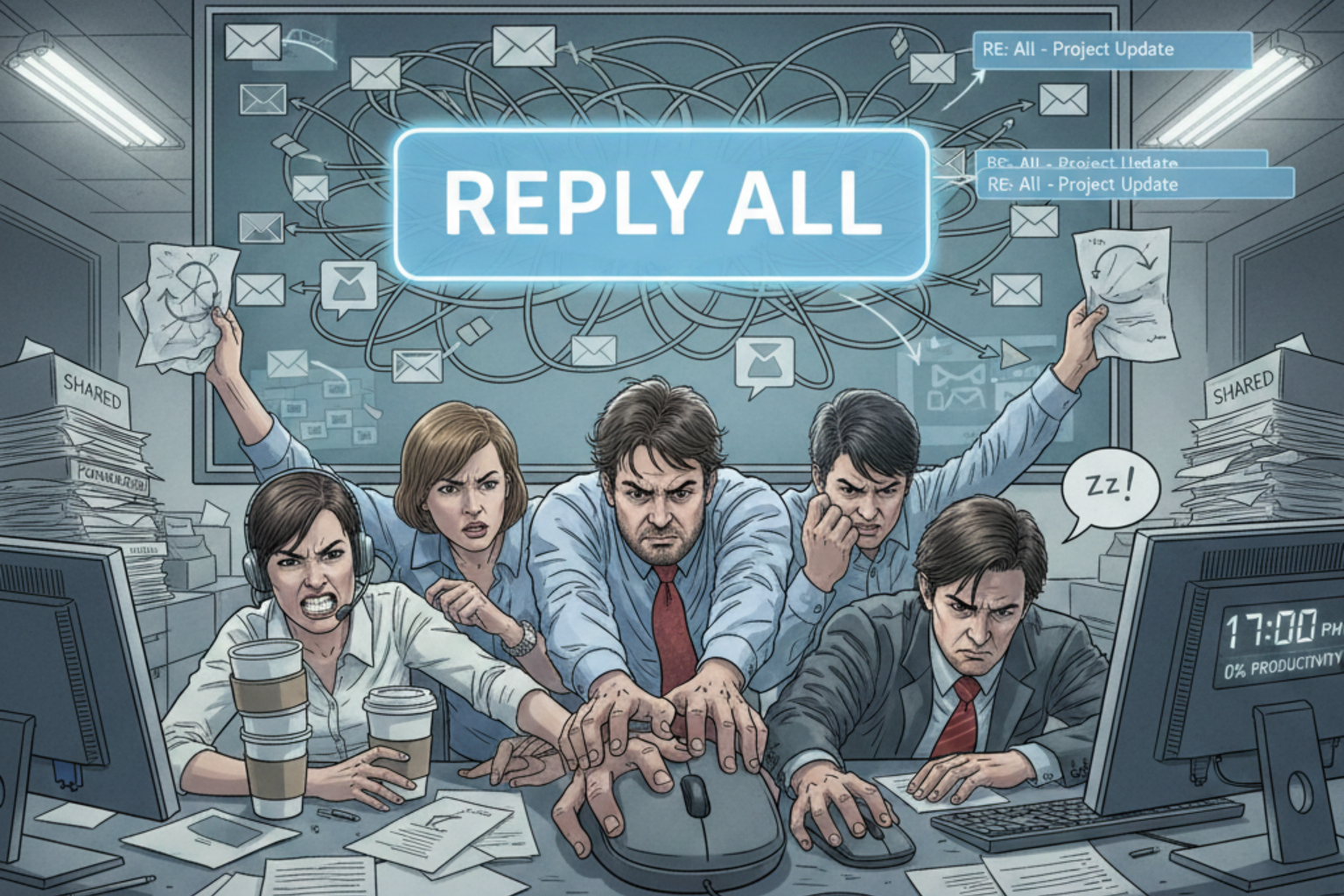
Why Your Shared Mailbox is Killing Your Productivity (And Finding the Best Shared Inbox Solution for Collaboration)
Drowning in a shared mailbox? Learn why it slows teams down and what to use instead for real collaboration and clarity.

You arrive at your desk on Monday morning, ready to conquer the week. You open the "support@" or "info@" mailbox that you share with five other teammates.
Your heart sinks as you see 45 unread emails staring back at you like a mountain of chores.
Who replied to the angry client from Friday? Is anyone currently drafting a response to the new lead?
You see a draft started by a colleague, but it hasn't been updated in three hours. Do you jump in and finish it, or will that create a double-reply disaster that looks unprofessional?
If these questions sound familiar, you are likely trapped in the "Shared Mailbox Trap."
Legacy email setups were never designed for high-speed, multi-user team collaboration. Finding the best shared inbox solution for collaboration is no longer a luxury; it is a survival tactic.
In this article, I will show you why your current system is draining your team's energy. I will also help you identify the features you actually need to regain your focus.
Let’s dive into why your inbox is working against you and how to fix it forever.
The Hidden Cost of the "Cc" and "Bcc" Culture
In a traditional shared mailbox, transparency usually means copying everyone on every single thread.
This creates a notification storm that interrupts your "deep work" every few minutes.
Every time a notification pops up, it takes your brain nearly 23 minutes to fully refocus.
1. The Accountability Gap
When everyone is responsible for an email, nobody is responsible for the email.
In a legacy shared mailbox, there is no clear way to assign an owner to a specific conversation.
You find yourself asking: "Did Sarah see this? Is Mark handling the technical part?"
This ambiguity creates a dangerous bystander effect. Everyone assumes a peer has taken the lead, while the client sits waiting for a response.
A true collaborative environment removes this guesswork by making ownership explicit.
2. The Duplication of Effort
Have you ever spent twenty minutes crafting a perfect reply, only to see a "sent" message from a peer?
Two people doing the same job isn't just a waste of time; it’s a waste of your company's money.
It also makes your team look uncoordinated and messy to your customers. Imagine the frustration of your most talented employees.
They want to be efficient, but the tools you provide force them into redundant tasks. This is exactly how a legacy setup quietly erodes team morale.
3. Lack of Internal Context
If you need help with a client's request, you probably forward the email to a colleague.
Now, you have a separate "internal" thread cluttering your personal inbox. The context is now split across two different places, making it impossible to track the full story.
When that same client calls back a month later, you have to piece together two different histories.
One history lives in the shared mailbox, and the other is buried in your private archives. This fragmentation is the primary enemy of a seamless customer experience.
5 Signs You Need the Best Shared Inbox Solution for Collaboration
Identifying the problem is the first step toward reclaiming your workday.
If you recognize more than two of these signs, your current system is failing you.
Check these red flags against your current daily workflow:
• The "Collision" Crisis: Two people accidentally reply to the same customer simultaneously.
• The "Black Hole" Effect: Important emails go unanswered because everyone thought someone else had it.
• External Chat Reliance: You spend all day on Slack or Teams asking "Who is taking this email?"
• The Search Nightmare: You cannot find the history of a client because threads are fragmented.
• Notification Fatigue: You keep your inbox open all day just to monitor incoming chaos.
These issues are symptoms of legacy technology struggling with modern demands.
You need a tool that treats email as a task, not just a message.
Before we look at the fixes, check out The 7 Best Unified Inbox Apps in 2025 for a comparison of the top players.
Why Legacy Folders are Killing Your Workflow
Many teams try to solve the chaos by creating "To Do," "Doing," and "Done" folders. While this seems organized, it requires manual movement for every single email.
This "digital janitor" work takes hours away from your actual job every single week. Manual filing is also prone to human error.
One wrong drag-and-drop, and a high-priority ticket vanishes into a subfolder forever.
You deserve a system that automates the organization so you can focus on the solution. Every time you move a message, you are making a low-value micro-decision.
These decisions add up to significant decision fatigue by mid-afternoon. Why are you paying experts to be file clerks instead of problem solvers?
How a True Collaborative Environment Changes Everything
A modern solution, like Deemerge, replaces the "shared login" with a unified workspace.
In this environment, every incoming message is treated as a collaborative object.
Imagine seeing exactly who is viewing an email in real-time before you even start typing.
Real-Time Collision Detection
The best shared inbox solution for collaboration will show you a "typing" indicator.
If your teammate is already working on a response, the system warns you immediately.
This prevents double-replies and allows you to move on to the next urgent task.
Internal Comments and Mentions
Stop forwarding emails to ask your boss a quick question about a client.
Modern tools allow you to @mention a colleague directly inside the email thread.
These comments are invisible to the customer but stay attached to the conversation for future reference.
Clear Ownership and Assignments
You can "assign" an email to yourself or a teammate with a single click.
Once assigned, it disappears from the "unassigned" queue, clearing the clutter for everyone else.
Everyone knows exactly who is responsible for every single customer interaction.
The Psychological Impact of Inbox Chaos
We often talk about "productivity," but we forget about your mental health and stress levels. A cluttered shared mailbox creates a constant state of "low-grade anxiety" for your team. You are always worried that you missed something or that you are stepping on toes.
When you have a clear, organized system, that anxiety evaporates. You know that if an email is in your "personal" view, it is your responsibility.
If it isn't there, you can trust that your team has it covered. This trust is the foundation of a high-performing team.
It allows for "Deep Work" sessions where you don't have to check the shared inbox every five minutes.
The result? Better quality work and a much happier, less burned-out team.
Transitioning Away from Your Legacy Shared Mailbox
I know what you are thinking: "Changing our system sounds like a massive headache."
You worry about losing historical data or confusing your current staff. However, the cost of staying on your current path is far higher than the cost of a transition.
Start by auditing your current email volume for one week. Track how many "internal" emails you send just to talk about "external" emails.
You will likely find that 30% of your email volume is completely unnecessary internal chatter.
Look for a solution that integrates with your current email provider (like Gmail or Outlook). You shouldn't have to change your email address or your server settings.
The best shared inbox solution for collaboration sits on top of your existing infrastructure.
The ROI of a Modern Shared Inbox Solution
Let's talk numbers because your manager will want to see the bottom line.
If your team of five saves just 30 minutes each per day, that is 12.5 hours a week.
Over a year, you are reclaiming 650 hours of productive time.
Stop Managing Emails and Start Solving Problems
Your job isn't to "manage an inbox." Your job is to help your customers and grow your business. Every minute you spend moving emails into folders is a minute you aren't innovating.
A legacy shared mailbox keeps you in a reactive state, always putting out fires. By switching to a proactive collaborative environment, you take control of the narrative.
You can set clear SLAs (Service Level Agreements) and track them automatically. You can see bottlenecks in your process before they become disasters.
The transition is easier than you think, and the rewards are immediate. Your team will thank you for removing the "notification noise" from their lives.
Your customers will thank you for the faster, more accurate responses.
Summary: Your Path to Inbox Freedom
We have covered a lot of ground regarding why your current setup is holding you back. From accountability gaps to the psychological toll of chaos, the evidence is clear.
You need a tool built for the way teams actually work in 2026.
Remember these three key takeaways:
• Assign, don't just "read": Give every thread a clear owner.
• Comment, don't "forward": Keep internal discussions where they belong.
• Trust the system: Use automation to handle the "janitorial" work of filing.
Are you ready to stop the bleeding and finally master your team's communication?
Don't let another week go by with missed opportunities and frustrated teammates. It is time to upgrade your workflow and experience what true collaboration feels like.
Final Thoughts on Choosing the Best Shared Inbox Solution for Collaboration
The market is full of options, but focus on the one that prioritizes "human" workflow.
You don't need more features; you need a better environment for your team to thrive.
Look for a solution that simplifies your life, rather than adding more complex buttons to click.
Ready to reclaim your productivity?
Stop drowning in unread threads and start collaborating with purpose. Get early access and be the first to experience the future of team communication