Slack And Email Workflow For Teams: Best Solutions for Teams in 2026
What slack and email workflow for teams means for teams, where basic workflows break, and how DEEMERGE fits.


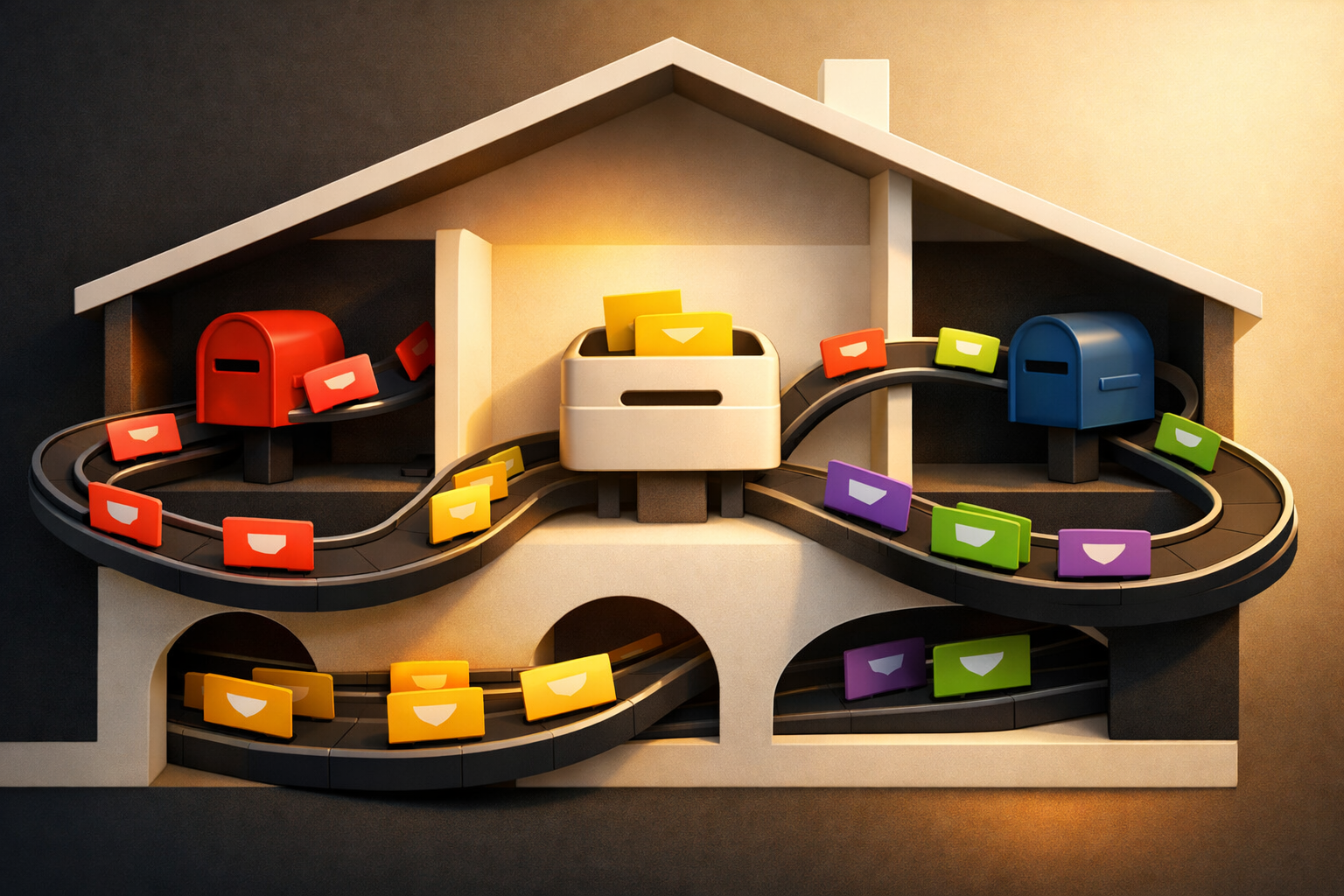
The Email and Slack Workflow Problem Teams Actually Face
Most teams use both email and Slack. Email handles formal communication, contracts, and client correspondence. Slack handles quick questions, team coordination, and internal decisions. But nobody designed a system where the two work together.
The result is predictable. A client sends an email. Someone mentions it in Slack. Someone else replies in Slack, assuming the email thread saw the response. It didn't. Three days later, the client follows up wondering why their request disappeared.
Or a team member gets assigned a task in Slack. They miss it because they were heads-down in email. Later, their manager assumes they're ignoring work. They weren't—they never saw it.
This isn't a technology problem. It's a workflow problem. Email and Slack operate in separate worlds. Messages land in different places. Context gets split across platforms. Ownership becomes unclear because no one knows if a task is being handled in email, Slack, or both.
Why Standard Integrations Don't Solve This
Email-to-Slack tools exist. They route incoming messages into Slack channels. But they don't solve the core issue: replies still happen in the wrong place. Someone responds in Slack, and the email sender never learns what was decided. Or the team discusses something in email while one person only checks Slack, leaving them out of the conversation entirely.
The workflow breaks because the tools treat email and Slack as separate silos. They never unify the conversation or make clear who owns what.
The Real Cost of Broken Email and Slack Workflow
When email and Slack workflows aren't connected, teams experience three concrete problems:
- Missed replies. Someone answers a question in Slack. The email sender never gets the response. The request falls through cracks. Client relationships suffer. Deadlines slip.
- Context switching. Team members jump between email and Slack all day, hunting for context about decisions and tasks. They spend energy finding information instead of doing the work that matters.
- Unclear ownership. When a task is mentioned in Slack and referenced in email, nobody knows who's actually handling it. Work duplicates or doesn't happen at all.
For client-facing teams, this is especially damaging. A potential client's email goes unanswered because the response happened in a Slack channel they're not monitoring. An internal team debates a solution in Slack while the person managing the email thread is left out. Critical details live in the wrong tool.
How DEEMERGE solves this in practice
DEEMERGE unifies your email and Slack workflow by making them work as one system, not two separate ones.
When an email arrives, DEEMERGE surfaces it in Slack with full context. The team sees who sent it, what it asks for, and any prior history. Someone claims ownership in Slack. DEEMERGE records that assignment. When they reply—whether they type in Slack or compose in email—DEEMERGE ensures the response reaches the original sender through email. The conversation stays connected.
For internal tasks mentioned in Slack, DEEMERGE creates a shared reference point. The person assigned the work knows they own it. Their manager can see progress. If someone emails an update, it surfaces in Slack automatically. Nothing gets lost between the two platforms.
The workflow becomes clear: email comes in, team responds in Slack, replies go back through email. One conversation. One owner. No split context.
Teams using DEEMERGE stop losing replies because responses actually reach the people who sent the original messages. They stop context switching because the information they need appears in the tools they already use. They stop arguing about who owns what because assignment and progress are visible in one place.
Next step with DEEMERGE
If your team manages client communication, support requests, or cross-functional work through both email and Slack, the gap between these tools is costing you responses and clarity.
Learn how DEEMERGE connects your email and Slack workflow so your team can respond faster, stay organized, and never miss a reply again.