
Reduce Inbox Chaos In Teams: Best Solutions for Teams in 2026
What reduce inbox chaos in teams means for teams, where basic workflows break, and how DEEMERGE fits.


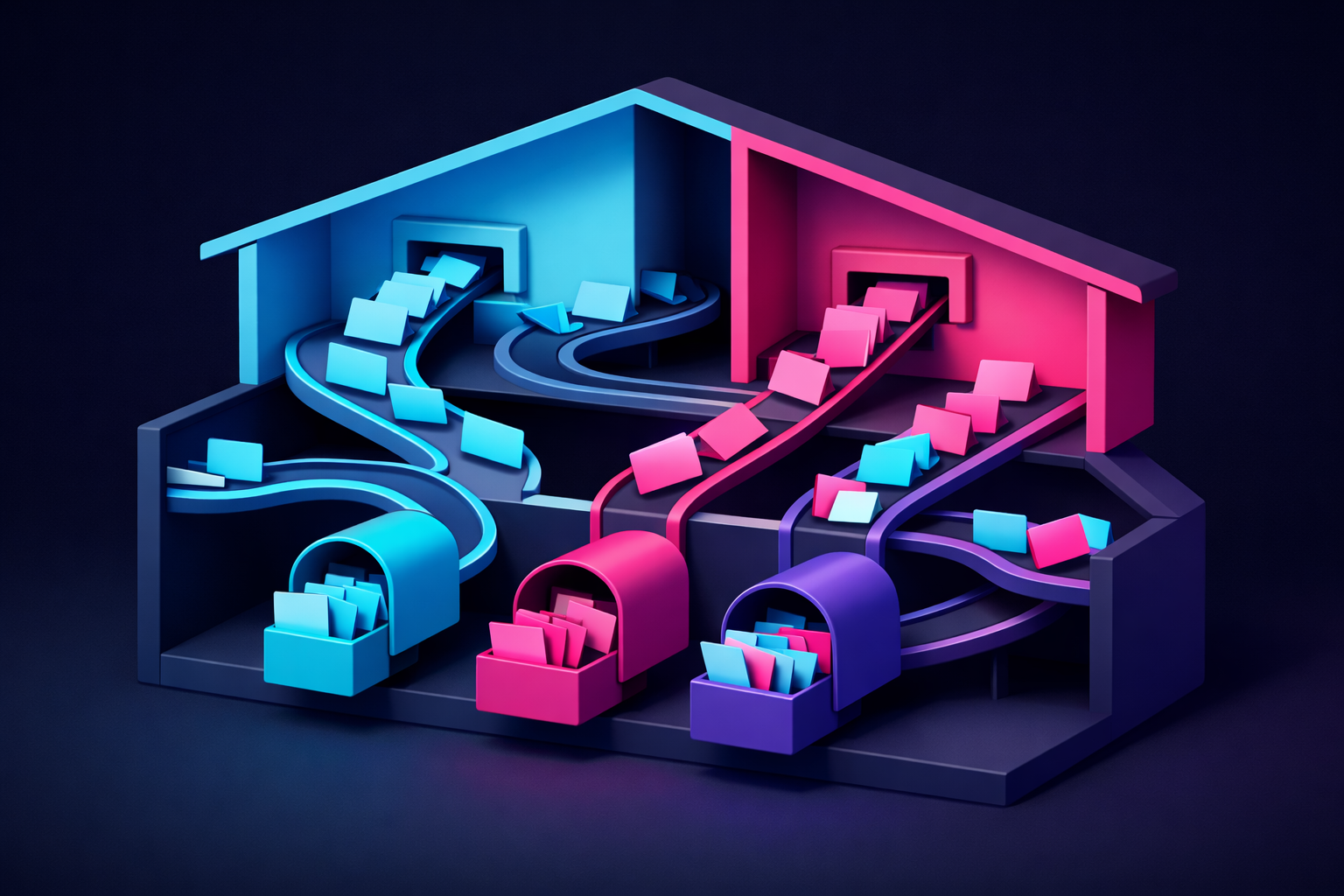
The Real Problem: Email Chaos Breaks Team Workflows
When multiple team members share inboxes or collaborate across email and chat, messages pile up without clear ownership. Someone replies to a customer. Someone else doesn't see it and replies again. A task gets lost in a thread. A decision made in Slack never reaches the people checking email. The inbox becomes a source of friction instead of coordination.
This isn't a productivity hack problem. It's a structural problem. Teams need to reduce inbox chaos in teams because unmanaged inboxes create real costs: missed replies, duplicated effort, unclear who owns what, and constant context switching between tools.
Where Inbox Chaos Comes From
Shared inbox ownership without visibility
When a team shares an inbox, there's no built-in way to see who's working on what. One person starts drafting a reply. Another person doesn't know and starts drafting the same reply. Both hit send. The customer gets confused. The team wastes time.
Messages scatter across email and chat
Important conversations live in multiple places. A customer question arrives via email. Someone mentions it in Slack. Someone else responds in Gmail. The thread fragments. Context gets lost. Someone works from incomplete information.
No clear handoff mechanism
When one team member should pass a task to another, email has no native way to reassign or flag ownership. Chat doesn't integrate with email replies. So tasks either stay with the wrong person or slip through cracks entirely.
Context switching between tools
Team members check email, then Slack, then email again. Every switch costs attention and introduces the chance to miss something. With important customer work, that risk compounds.
How DEEMERGE solves this in practice
DEEMERGE brings structure and clarity to shared inboxes and cross-tool workflows. Instead of chaos, teams get visibility and ownership.
Clear message ownership
Each message has an owner. Team members can see who's working on a reply and avoid duplicating effort. If a message needs to move to a different person, ownership transfers clearly. No more guessing who handles what.
Unified view across email and chat
Messages from email and chat live in one workspace. Team members check one place instead of bouncing between tools. Context stays intact. Everyone sees the full conversation, no matter where it started.
Built-in task routing
DEEMERGE lets teams assign messages to specific people or rotate them based on workload and expertise. New messages automatically go to the right owner. No manual sorting. No missed handoffs.
Reduced context switching
Because email and chat conversations appear together, team members spend less time jumping between apps. They stay focused on the actual work: responding, deciding, and solving.
Accountability and tracking
Every message has a clear status and owner. Teams can see what's in progress, what's waiting, and what's been resolved. This transparency eliminates the "did someone handle this?" uncertainty that drives inbox chaos.
Next step with DEEMERGE
If your team is losing messages, duplicating replies, or spending too much time hunting through email and chat, DEEMERGE can reshape how you work. Start by mapping your current workflow: which messages get lost, where do handoffs fail, how much time do people spend context switching. Then see how DEEMERGE removes those friction points.
Try DEEMERGE with your team and experience how to reduce inbox chaos in teams through structured ownership and unified communication.
