
Email Triage Checklist For Teams: Best Solutions for Teams in 2026
What email triage checklist for teams means for teams, where basic workflows break, and how DEEMERGE fits.


The Email Triage Problem Teams Actually Face
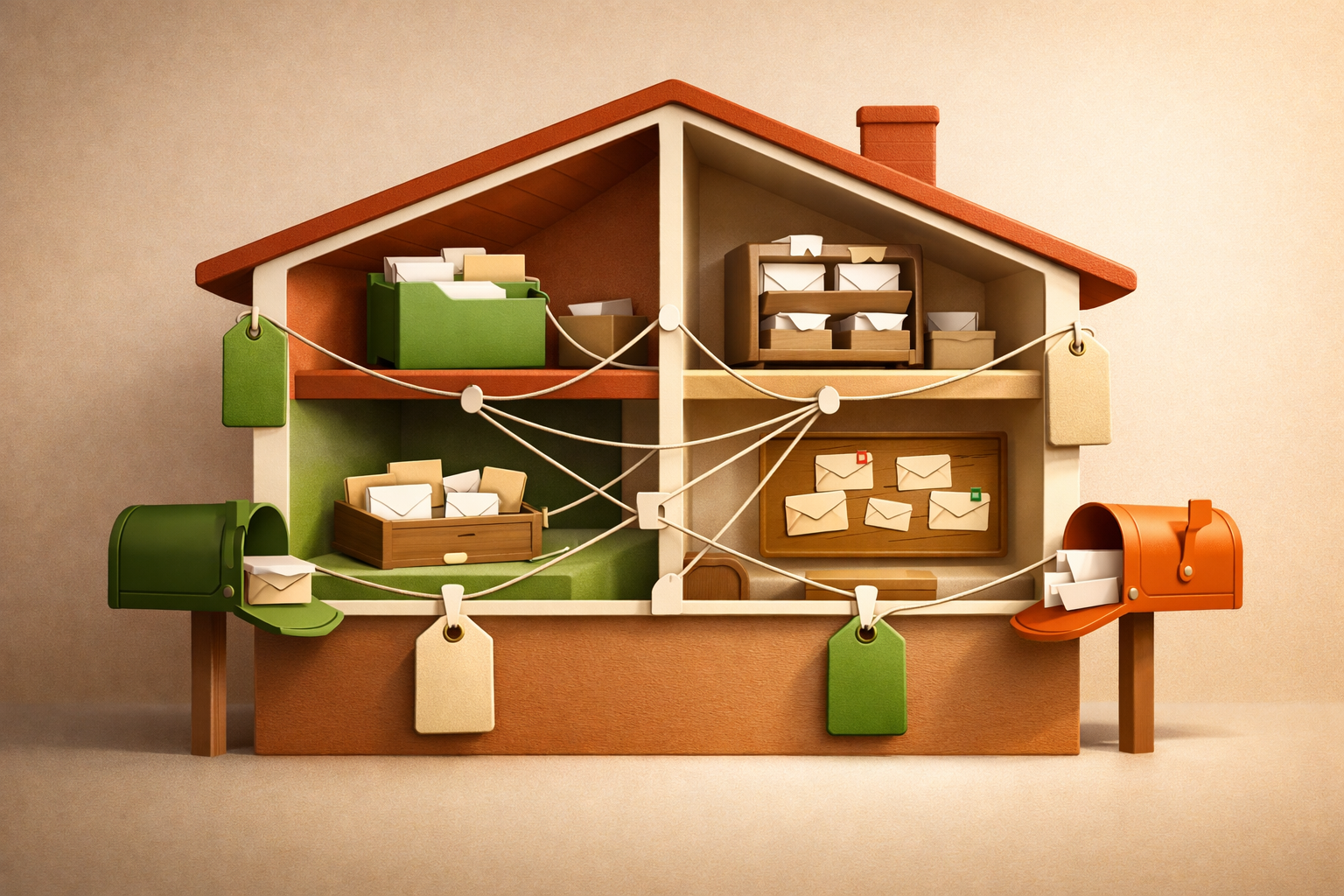
Email triage checklist for teams sounds straightforward until you run one. Your team receives dozens or hundreds of messages daily across email, Slack, Teams, and other channels. Without a structured approach, messages slip through. Critical client emails sit unread for hours. Support tickets get duplicated because two people thought they owned the same thread. Developers context-switch constantly because they can't tell which messages need their attention.
The root problem isn't laziness or poor discipline. It's that your team lacks a single source of truth for what's been seen, who's responsible, and what action each message requires. When triage happens in fragmented systems, accountability dissolves.
What an Email Triage Checklist for Teams Should Actually Cover
A real email triage checklist addresses three failure points:
1. Inbox Visibility
Every team member needs to know what's come in and what's waiting. Without this, messages hide in spam folders or get buried under newer threads. Your checklist should include a daily or real-time scan of all incoming messages across every channel your team uses—not just email, but Slack, Teams, Discord, or custom communication tools.
2. Ownership Assignment
Each message needs a clear owner or needs to be routed to the right person immediately. This prevents duplicate work and ensures nothing falls into a gap. Your checklist should specify how ownership gets assigned: by role, by expertise, by availability, or by previous context.
3. Priority and Action Markers
Not all messages are equal. Some need an immediate response. Others are informational. Your checklist should define how your team marks messages as urgent, routine, reference-only, or waiting for more information.
Common Breakdown Points in Manual Triage
- Channel fragmentation: Messages scatter across email, Slack, Teams, and support platforms. Your team checks them at different times, so context gets lost.
- Unclear ownership: No one person owns the follow-up. Three team members think someone else is handling it, and the sender gets no response.
- Repeat context-switching: Team members re-read the same threads multiple times because they can't remember who said they'd handle it or what the next step is.
- Missed urgency: An urgent client request arrives in a low-priority channel and doesn't get flagged until it's too late.
- No audit trail: When something does fall through, you can't easily trace why or who was responsible.
How DEEMERGE Solves This in Practice
DEEMERGE consolidates all your team's incoming messages—email, Slack, Teams, and more—into one unified inbox. This removes the fragmentation that breaks manual triage workflows.
When a message arrives, your team can immediately assign ownership directly in DEEMERGE. The assigned person sees it flagged in their view. No ambiguity. No duplicate work. No message that "someone else must be handling."
DEEMERGE also lets you flag message priority, add notes about context or next steps, and mark status as you work through it. Your entire team sees these markers in real time, so everyone knows what's been handled and what's still pending. This single shared record replaces scattered email flags, Slack emoji reactions, and spreadsheet tracking that no one updates consistently.
The system keeps a searchable history of triage decisions, ownership assignments, and status changes. When you need to explain why a message wasn't addressed or who was responsible, the record is there.
Building Your Team's Triage Routine with DEEMERGE
Start by setting a triage window—a time each day (or shift) when your team reviews all new messages. Open DEEMERGE's unified inbox. Work through each message:
- Assign ownership to the appropriate team member.
- Mark priority level based on urgency and business impact.
- Add a one-line note if context is needed.
- Note the expected response date or next action.
Assigned team members then work from their DEEMERGE queue, addressing high-priority items first. As they respond or resolve messages, they update status in the same system. No separate email-checking, Slack-checking, or spreadsheet-updating. One flow. One record.
Next Step with DEEMERGE
If your team is losing replies, missing ownership clarity, or spending too much time hunting across channels, set up a trial with DEEMERGE. We'll help you map your current message flow and show you how consolidation and shared triage markers eliminate the gaps in your current process. Your first week will show you exactly where unified triage saves time and prevents missed messages.
